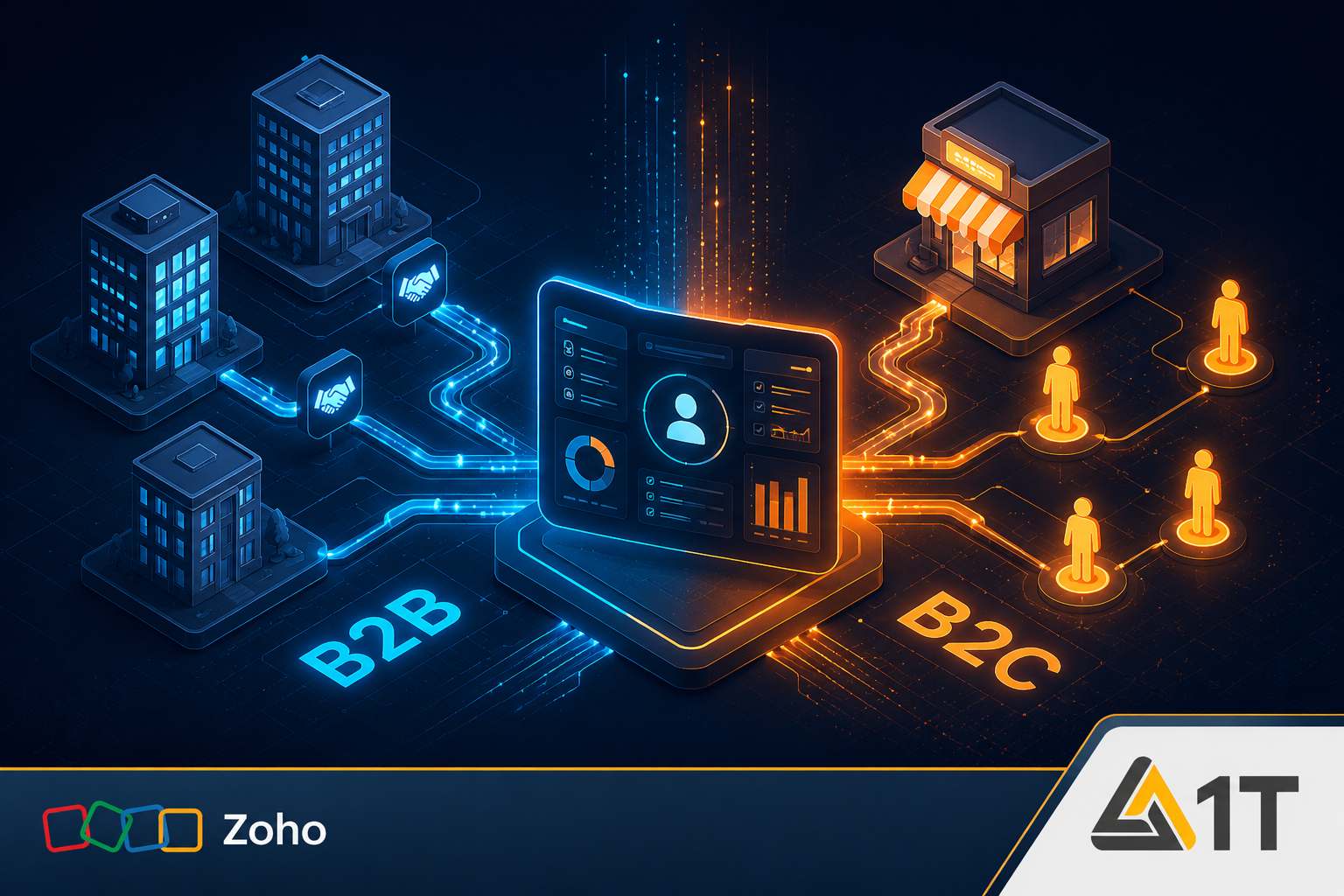
Implementing Zoho CRM is not a generic process — the right structure of the system depends directly on your business model. A definition that suits a B2B company will lead to confusion and confusion in a B2C company, and vice versa. In this guide, we will go step by step through the four main differences and all the steps of the correct setting - so that you can start working with a system that is accurate for your work processes.
The four key differences between B2B and B2C in Zoho CRM
Before starting the definitions, it is important to understand the fundamental differences:
- Central module: in B2B — the account (Account/company) is the center; Contacts and transactions are linked to it. In B2C - the contact person (Contact/private customer) is the center, and the accounts module is neutralized.
- Lead conversion mapping: in B2B information about the company goes to Account; In B2C, all information goes directly to Contact and Deal.
- Mandatory fields: in B2B the 'Company' field must be mandatory; In B2C, business fields like 'industry' and 'number of employees' are redundant and removed.
- Workflows and global lists: improve consistency and automation in both models, but the entities they associate are different.
Setting up Zoho CRM for B2B model — Step 1 and 2: Modules and fields
Access to settings: Setup → Customization → Modules & Fields. In the cleaning phase, it is recommended to leave only the modules relevant to the core sales process:
- Leads — entry of new leads.
- Contacts — the specific persona in the client's company.
- Customers / accounts (Accounts) — the legal entity to which you sell.
- Deals (Deals) — the specific business opportunity.
- Tasks, meetings and calls (Tasks, Meetings, Calls) — managing the current activity.
B2B — Step 3 and 4: Global Fields and Lists Strategy
In the phase of characterizing the fields, there are some critical definitions for the B2B model:
- Mandatory 'Company' field: In the B2B model, the company field must be a mandatory field - this is the legal entity to which you sell.
- Mandatory 'requested service' field: this definition already at the lead stage enables efficient classification (qualification) and future marketing segmentation.
- Cleaning up obsolete fields: removing irrelevant default fields like Skype ID, Twitter and Fax — maintaining a clean interface.
- Global lists (Global Sets): When a selection list appears in more than one module (for example, the list of services), it must be defined as a Global Set to maintain data consistency throughout the entire pipeline.
B2B — Step 5: Lead Conversion Mapping
Conversion mapping determines where the data will be routed once the lead becomes an actual customer. In B2B the correct mapping is:
| type of information | Target in the system |
|---|---|
| Company information (name, address, industry) | Customer module (Account) |
| Information about the person (name, email, phone) | Contacts module (Contact) |
| Information about the sale (requested service, lead source) | Deal module |
| The source of the lead and the requested service | Both for the Deal and the Account - for future analysis |
Setting up Zoho CRM for the B2C model — steps and features
In the B2C model, the focus shifts from the company to the individual. The main definition steps:
- Step 1 — Deactivating the accounts module (Accounts): In the interface Setup → Modules and Fields deactivate the activity of the accounts module. The result: the lead will become only two entities - a contact (Contact) and a deal (Deal).
- Step 2 — Edit the lead fields: remove business fields such as 'company', 'branch' and 'number of employees'. Add fields relevant to the private consumer such as annual income, the requested service and demographic information.
- Step 3 — Lead conversion mapping to B2C: All information is mapped to Contact and Deal only. Contact fields: name, email, phone, residential address. Transaction fields: the requested service and the source of the lead.
- Automation for transaction names: when converting a lead in B2C, the automatically created transaction name is the name of the Contact. You can set up a Deluge script that updates each new transaction to the 'customer name + type of service' format — which makes it possible to understand at a glance what each transaction is about.
Conclusion
The 1T Solutions team implements Zoho CRM for B2B and B2C businesses in Israel with projects at a fixed price and full support in Hebrew - including customized characterization, conversion mapping and automation scripts. Contact us for a free characterization call.