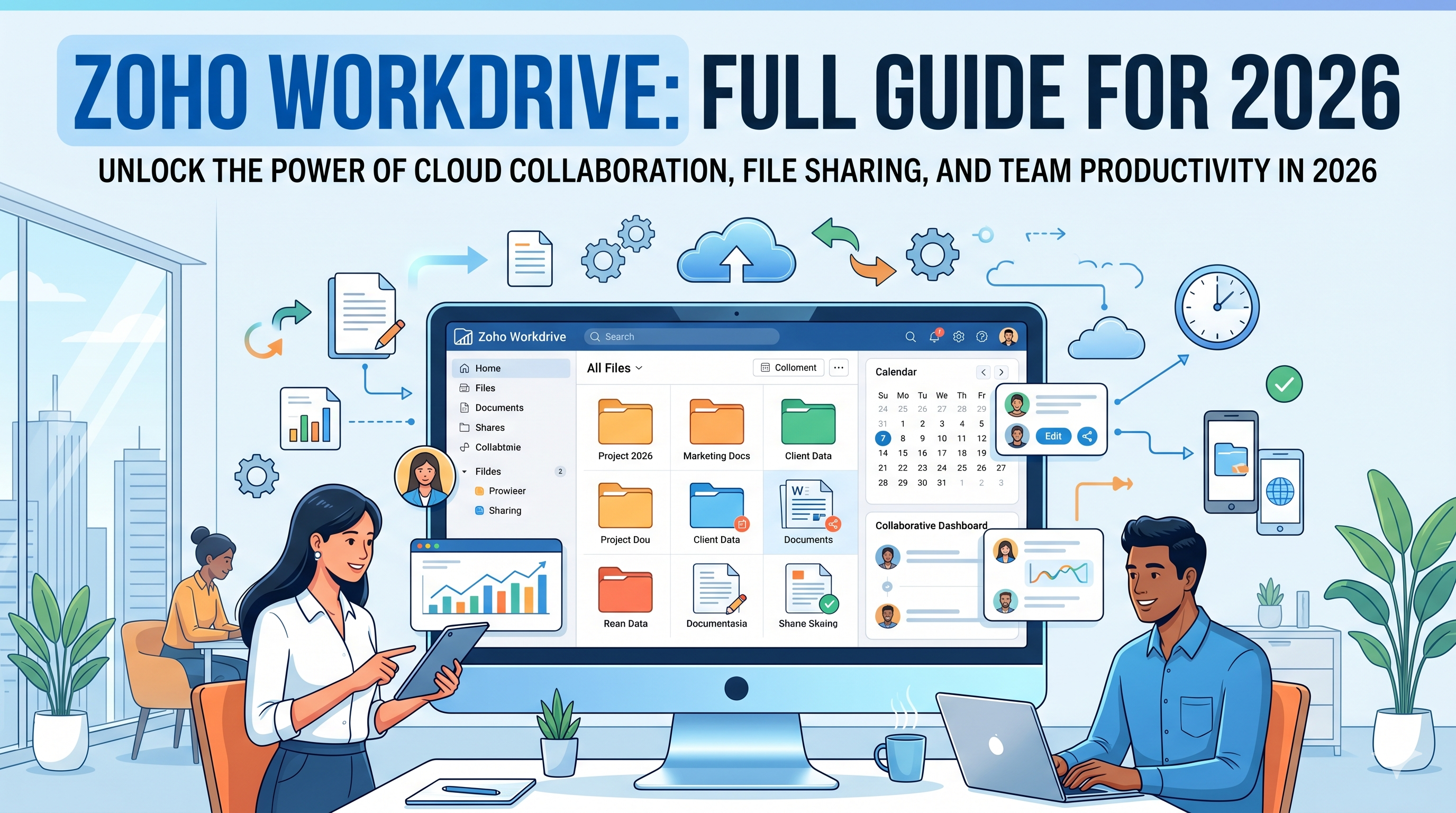
Zoho WorkDrive is much more than just cloud storage — it's a unified platform for document creation and team collaboration. By understanding how to build team folders correctly and leveraging the built-in management tools, you'll get a powerful tool for managing team resources—included in Zoho One at no extra cost. In this review we will go over all the topics that are important to know before starting.
Architecture: Team Folders vs "My Folders"
One of the most common mistakes in WorkDrive is over-reliance on 'My Folders'. A critical distinction:
- My Folders: Exclusive access — it's hard to collaborate unless you share each file manually. Suitable for private drafts only.
- Team Folders: permission-based environments. When you add a file to the 'Marketing' folder, any authorized team member sees it immediately.
- Professional tip: Be careful with compartmentalization and limited permissions at first, and gradually expand as needed. Working according to a team hierarchy is the most appropriate approach for most organizations.
Security and administrative controls
WorkDrive excels in its level of administrative detail. In the management panel you can manage the 'health' of the organizational data at three levels:
| ability | what is she doing | Why is it useful? |
|---|---|---|
| Activity Tracker | Recording of every edit, deletion and sharing event | Identification of unauthorized activity and tracking of each user |
| data loss prevention (DLP) | Blocking the synchronization of sensitive information (PII/PHI) to local devices | Prevention of information leakage outside the organization |
| External Sharing (External Sharing) | Control of public links | Disable external sharing for organizations that don't need it |
Zia AI based content creation
WorkDrive integrates Zia AI directly into the document creation workflow. You can ask Zia to draft standard documents — leave procedure, contract template, employee policy — preview and save as a Writer document with one click. This is a huge time saver when drafting common business documents. The procedure is saved directly in the team folder structure, visible to everyone immediately.
Additional built-in productivity tools
Beyond storage and AI, WorkDrive includes tools that upgrade team collaboration:
- Built-in screen recording: record your screen with audio and video — the file is automatically saved in a folder and allows the team to watch the training on their own time. Eliminates the need for external recording tools to create training videos.
- Built-in document editor (Zoho Writer): editing documents directly within the interface without exiting to a separate application.
- Comments and markings on files: sharing feedback directly on the document, without email chains.
Migration from Google Drive — easier than it seems
Worried about switching from Google Workspace to Zoho WorkDrive? WorkDrive includes an automatic migration tool that migrates all Google Drive content—including Google Docs, Sheets, and Slides—without the need for manual uploads. The files are converted to Zoho Writer and Zoho Sheet formats. You may need to reorganize some folders after the move, but the tool does the heavy lifting of moving terabytes of data.
Conclusion
The 1T Solutions team implements Zoho WorkDrive as part of Zoho One for businesses in Israel with projects at a fixed price and full support in Hebrew - including defining folder structure, permissions and DLP rules. Contact us for a free characterization call.