
Implementing Zoho Desk for
Business
Why businesses choose us for Zoho Desk implementation
We don't just install a Help Desk. We are building a customer service process that is connected to CRM, Analytics and business goals.
experience and expertise

technical abilities
service and support
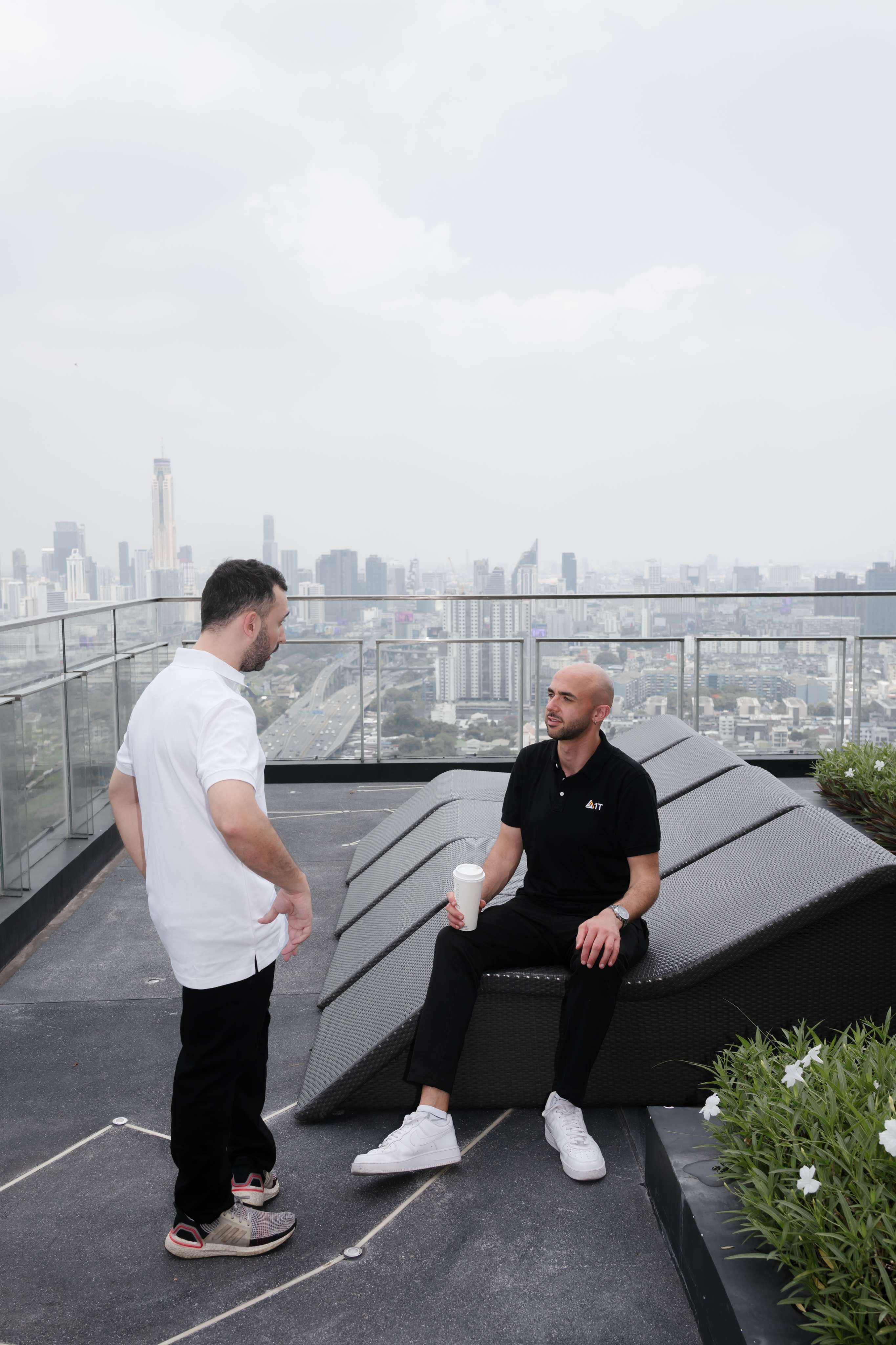
A help desk system that only collects tickets is a complaint box.
The difference between a help desk and a real customer service system is what happens after the ticket is created—does it sit in a queue until someone notices, or is it automatically routed to the right representative, escalated before the SLA is breached, and runs a satisfaction survey after resolution.
The difference between a help desk and a customer service system is what happens after the ticket.
A Help Desk that is installed 'out of the box' — without routing rules, without SLA policies, without CRM integration — is an expensive ticket box. It collects inquiries, but does not improve service.
A properly embedded Zoho Desk looks different. A ticket is automatically routed to the correct representative by channel, category and customer. SLA counts down with automatic escalation before the deadline is breached. The representative sees the complete customer profile in CRM as soon as the card is opened. After closing, a satisfaction survey is automatically sent and the score updates the customer record.
In practice this means: a customer who calls sees a countdown of the response time. A representative opening a ticket sees purchase history, contract, SLA level and previous inquiries—not just a problem summary. A manager sees in the dashboard SLA compliance by customer, resolution times by category and weekly CSAT trend. And the CEO doesn't accept the 'loudest' escalations - he sees that the system takes care according to priority.
Implementing Zoho Desk: Our Approaches
Each organization is at a different point in the service journey — from a shared mailbox to a multi-channel support platform with a self-service portal.
Basic Help Desk — 'The Tidy Mailbox'
For teams that manage support through a shared mailbox, WhatsApp or notes. Built-in ticketing system with categories, priorities, assignments and status tracking. Suitable for support teams of 3-15 representatives who are drowning in incomprehensible inquiries. Immediate effect: 35-50% reduction in response times in the first month — not because you work faster, but because tickets stop disappearing.
SLA-based support — the 'warranty engine'
SLA policies by customer rank, priority and issue type, with automatic escalation as deadlines approach. Real-time SLA compliance dashboards. Suitable for IT service providers, MSPs and any business with contractual SLA obligations. SLA visibility alone improves on-time resolution by 20-30% — because everyone sees the deadline before it's breached.
Multi-channel support — the 'unified representative view'
Email, phone, chat, social networks, WhatsApp and website — all in one work environment. The rep sees that the customer called now, sent an email yesterday, and chatted last week—all in one timeline. Suitable for businesses with 3+ contact channels. Agents in a unified view handle 25-35% more tickets per day than agents switching between separate tools.
Self-service portal and knowledge base — the 'diversion machine'
A knowledge base with categories, smart search and relevant articles that are displayed before opening a card. Volume reduction of 20-40%. Suitable for organizations that receive repeated inquiries on the same topics. 80/20 principle: in 80% of organizations, 15-20 knowledge articles cover 60-70% of referrals.


Our 3-step methodology
Mapping the service process
Before defining a single routing rule: map how inquiries arrive, who handles what, what the required SLA is, where tickets get stuck and which inquiries come back again and again. Document each category, subcategory, escalation rule, and exception scenario. The phase ends with an approved service plan that includes an SLA protocol and a knowledge base structure.
Setup, automation and integration
Build a ticket structure (categories, priorities, statuses), automatic routing rules, SLA policy with countdown and escalation, connecting all contact channels (email, telephony, chat, social networks), a knowledge base with preliminary articles, and integration with Zoho CRM — so that the representative sees a complete customer picture as soon as the ticket is opened.
Training, launch and ongoing optimization
Training by position: representatives, team managers, senior managers. A written SOP for each service process. After launch — 30-day performance monitoring and data-driven optimization report. Ongoing monthly support is available to expand the knowledge base, add channels and improve automations.
We built a complete service system
Zoho Desk is most powerful when connected to systems that enrich the representative and improve the customer experience.
- Zoho CRMFull customer profile on the card — purchase history, accumulated value, meetings and previous inquiries.
- Zoho SurveyAutomatic CSAT survey after each ticket closure — the score updates the CRM and the representative's statistics.
- Zoho AnalyticsDashboards: resolution times, SLA compliance, rep performance, volume trends and CSAT metrics.
- Zoho SalesIQLive chat on the website with routing inquiries to the desk - the chat history appears on the card.
- Zoho CampaignsProactive emails about product updates and maintenance — reducing the volume of tickets in advance.
- Zoho AssistRemote access to the client's desktop directly from a card — without external tools.
Suitable for businesses in Israel and around the world
Each branch brings a unique process logic. Interdisciplinary practical experience is the difference between an implementation that the team embraces and one that is bypassed.
- Laws and law firmsCase management, contract automation and customer communication.
- Health and clinicsReception of patients, coordination of appointments and document management.
- Construction and real estateProject pipelines, subcontractor management and documentation.
- Service providers and businessesCustomer reception, ongoing management and SLA compliance.
- IT and technologyRouting inquiries, license management and technical support.
- financial servicesClient case management, regulatory compliance and reporting.
- Education and trainingRegistration processes, course tracking and multi-channel communication.
- ייצור והפצהInventory management, communication with suppliers and order management.

חברת IT מצמצמת זמני פתרון ב-45% ומעלה עמידה ב-SLA ל-91%
An IT services company with 35 employees managed support requests from 120 customers through a shared email box and WhatsApp. Inquiries fell through the cracks, response times were not measured, and there was no way to know if the contractual SLA was being met. Customers who did not receive a response contacted the CEO directly - 'management by the loudest' instead of management by priority. The satisfaction rate is not measured at all.
Implementation in 3 layers: (1) channel mapping — identification of 4 contact channels and 12 problem categories with expected resolution times (30 minutes to reset a password and up to 5 business days to upgrade infrastructure). (2) SLA policy — 3 levels (gold, silver, bronze), assigning each client to a level according to contract and automatic escalation in 3 steps. (3) Knowledge base — 25 initial articles with Deflection offering articles before opening a ticket. Full integration: CRM (customer profile on the card), Survey (automatic CSAT after closing), Analytics (administrator dashboard).
Average resolution time decreased by 45% within 60 days (from 18 hours to 10 hours) — thanks to smart routing, SLA visibility and automatic escalation. SLA compliance increased from 62% to 91% within 90 days (+29 points) — reducing escalations to the CEO by 80%. Ticket diversion: 22% of inquiries were resolved through the knowledge base without opening a ticket in the second month - equivalent to one part-time support representative.
Implementation expert advice
Three things every Zoho Desk user should know
Build a knowledge base from day one — not 'after managing'
'We will build a knowledge base after the system is up and running' - this is not happening. A knowledge base should start with 15–20 articles on common references, and we build them as part of the implementation. Even a small knowledge base with 20 articles diverts 15-25% of references. A pool of 50 articles deflects 30–40%. Every article you haven't written is a card that a representative will handle over and over again.
Measure First Response Time, not just Resolution Time
Resolution time is important, but First Response Time — the time until the customer receives a first response — is the measure that has the greatest impact on satisfaction. A customer who receives within 30 minutes 'we received, we are taking care of it, wait for 4 hours' feels better than a customer who hears nothing for two hours and then receives a solution. Define a separate SLA for First Response.
Close tickets with a root note — not just 'solved'
Added a Root Cause field to each ticket at closing. The reps won't like it at first—it's another 10 seconds for the ticket. But after a month you have data showing that 35% of the cards have a common root — one problem that can be fixed once and save 35% of the volume. Without a Root Cause, the symptoms are treated forever.
Ready to build a service system that customers feel?
Schedule a free initial consultation. We'll ask, listen, and tell you honestly if Zoho Desk is right for your process.
CRM that is adapted to your sales process - not expensive Excel. With Blueprint, Zia AI and full integrations.

Customer service system with SLA, smart routing, knowledge base and CRM integration — not just a ticket box.

An operating system for a business that replaces 7-15 separate tools in one package — sales, finance, HR, support and BI.
What changes in your business
after proper implementation?
Frequently Asked Questions
Standard implementation including card structure, routing, SLA, 2-3 channel connection, initial knowledge base and CRM integration takes 2-3 weeks. Projects that include a full self-service portal, complex automations or external integrations take 3-4 weeks.
Zoho Desk supports email, telephony (CTI), live chat through SalesIQ, social networks (Facebook, Twitter/X), WhatsApp, website forms and customer portal. We define only relevant channels — adding channels without a volume of inquiries creates unnecessary monitoring points.
An SLA defines response and resolution goals by a combination of priority, customer type, and problem category. When a ticket is nearing the deadline, automatic escalation — alert to the representative, then to the management team, then to a senior manager. The rep sees a real-time countdown, and the manager sees an enterprise-level compliance dashboard.
A knowledge base is an organized library of articles. When Zoho Desk is configured correctly, a customer who starts to open a ticket automatically sees relevant articles — and if an article solved the problem, they don't open a ticket. This is a deflection. Organizations with a maintained knowledge base see a 20-40% reduction in volume.
yes. Zoho Desk integrates with any Zoho system (CRM, Books, Survey, Analytics, SalesIQ), supports a full API and integrations through Zoho Flow to connect with external systems — including monitoring, DevOps and existing organizations.
yes. The training by role: support representatives learn ticket management, formulated responses and work with SLA; Team managers learn performance monitoring and escalations; Managers learn to read dashboards. We provide a written SOP for each service process.
Each implementation includes a support period after launch. Ongoing monthly support is available — for adding channels, expanding the knowledge base, improving automations, analyzing service trends and a quarterly review.
Let's Build Your System Right